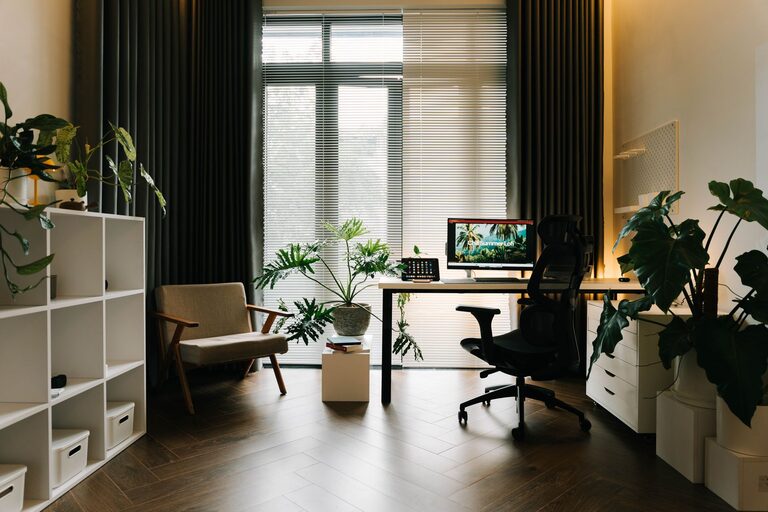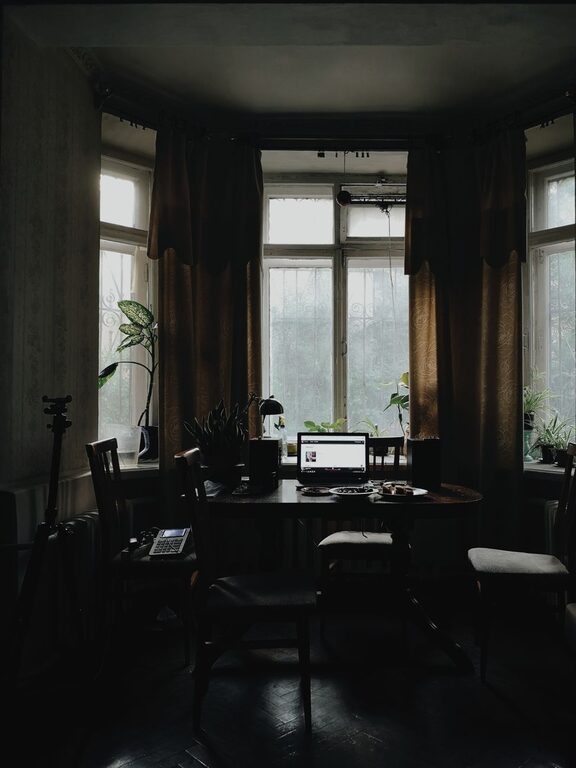




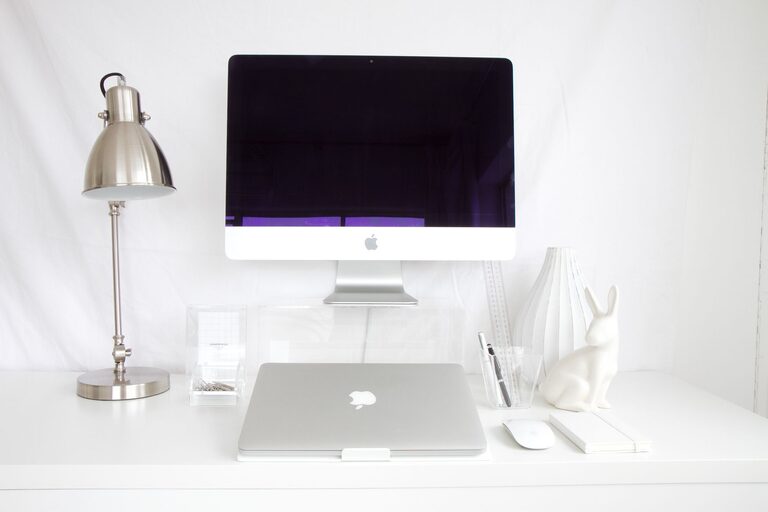
Creating an organized home workspace is essential for staying focused and productive. Whether you’re working remotely full-time or occasionally catching up on tasks, a well-planned environment helps reduce distractions and improve the quality of your work. In this post, we’ll walk through simple, practical tips to organize your home office effectively.
Why Organizing Your Workspace Matters
An untidy or cluttered workspace can increase stress and make it harder to concentrate. When everything has a designated place, you can quickly find what you need and spend less time managing your environment. Organizing your workspace also helps separate work life from home life, making it easier to “switch off” after work hours.
Step 1: Choose the Right Location
Before you start organizing, pick a spot that suits your work style.
– Natural light: Aim for a space with plenty of daylight to help keep you alert.
– Quiet area: Find a place away from household noise and distractions.
– Comfort: Ensure there’s enough room for your desk, chair, and any equipment you use.
Step 2: Declutter Your Desk
Clear off everything from your desk surface to start fresh. Sort items into three categories:
– Essential: Items you use daily, like your computer, notebook, and pens.
– Occasional: Supplies you need sometimes but not every day.
– Unnecessary: Items that don’t belong on your work desk, like mail or snacks.
Keep only the essentials on the desk to maintain focus.
Step 3: Use Storage Solutions
Invest in storage tools that help keep your workspace neat and organized.
– Drawers or filing cabinets: Use these for papers, files, and office supplies.
– Desk organizers: Compartments or trays for pens, paper clips, and sticky notes.
– Shelves: Use wall shelves to free up desk space and store books or equipment.
Labeling storage containers can also save time when searching for materials.
Step 4: Set Up Ergonomically
A comfortable setup prevents fatigue and keeps you productive longer.
– Chair: Choose one with good back support and adjustable height.
– Desk height: Your arms should rest comfortably at desk level.
– Monitor position: Place your screen at eye level and about an arm’s length away to reduce neck strain.
Make adjustments as needed to match your comfort.
Step 5: Minimize Digital Clutter
An organized digital workspace is just as important.
– Organize files: Create folders and subfolders to store work documents.
– Clean your desktop: Avoid having too many shortcuts and icons.
– Use to-do apps: Track tasks and deadlines using tools like Trello or Todoist.
Regularly backing up important files keeps your work safe.
Step 6: Personalize Wisely
Adding a few personal touches can make your workspace inviting without becoming distracting.
– A small plant or two for a touch of nature.
– A photo or inspiring quote for motivation.
– A desk lamp with adjustable brightness.
Avoid overcrowding the space with decorations.
Step 7: Maintain a Daily Routine
Organization is an ongoing process, so build tidy habits:
– End-of-day clean-up: Spend 5 minutes putting things back in place.
– Weekly review: Declutter and organize paperwork or supplies.
– Keep essentials stocked: Replenish pens, paper, and other supplies regularly.
These habits help keep your workspace productive day after day.
Conclusion
Organizing your home workspace doesn’t have to be complicated or expensive. By selecting the right location, decluttering, using smart storage, and creating ergonomic comfort, you’ll set yourself up for better focus and productivity. Remember to maintain your space with simple daily habits and personalize it just enough to feel comfortable. With these tips, you can transform your home office into an efficient and enjoyable environment for work.