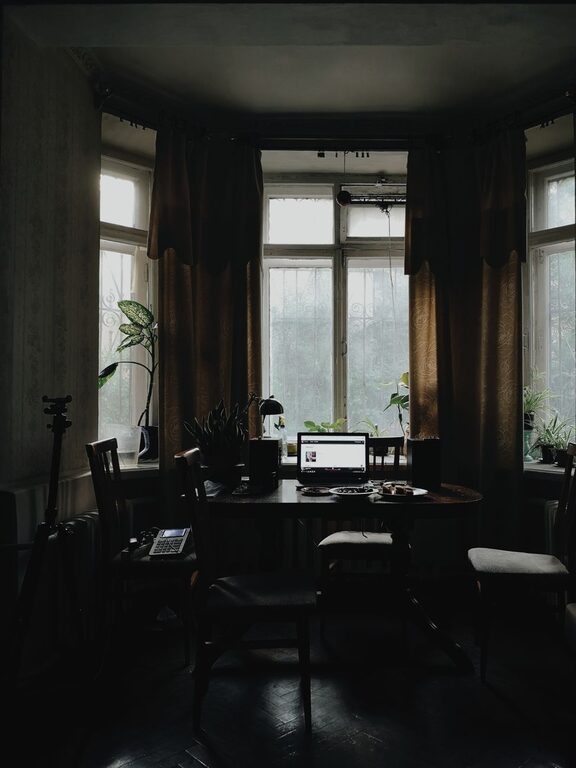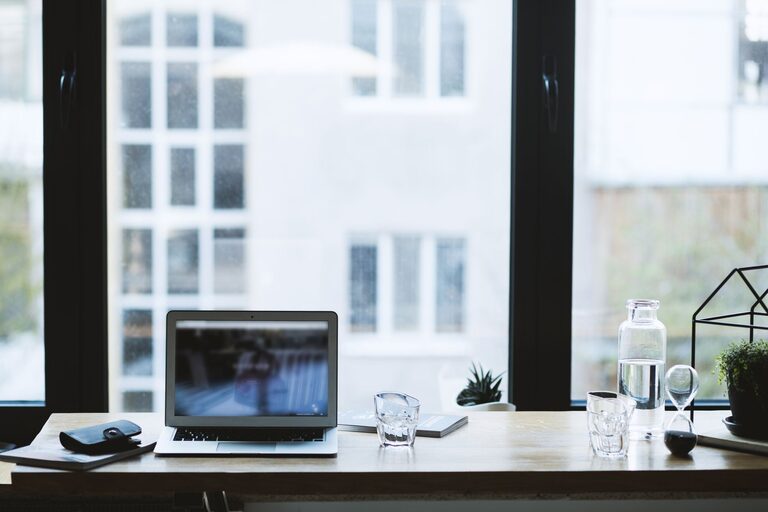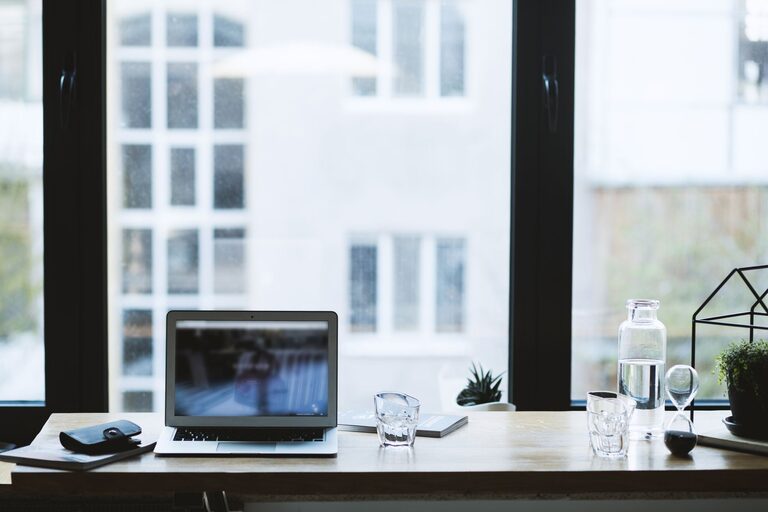


Creating a comfortable and productive home office space is essential for anyone working remotely or managing tasks from home. A well-designed workspace can improve focus, reduce stress, and make your work hours more enjoyable. Whether you have a dedicated room or a small corner, these tips will help you set up an effective home office environment.
1. Choose the Right Location
The location of your home office plays a big role in your work experience. Ideally, select a space that is quiet and away from heavy foot traffic or distractions. If possible, pick a room with a door to separate work time from personal time.
Consider Natural Light
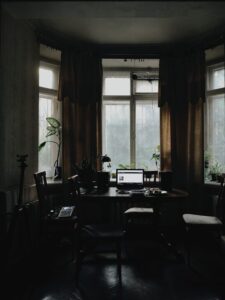
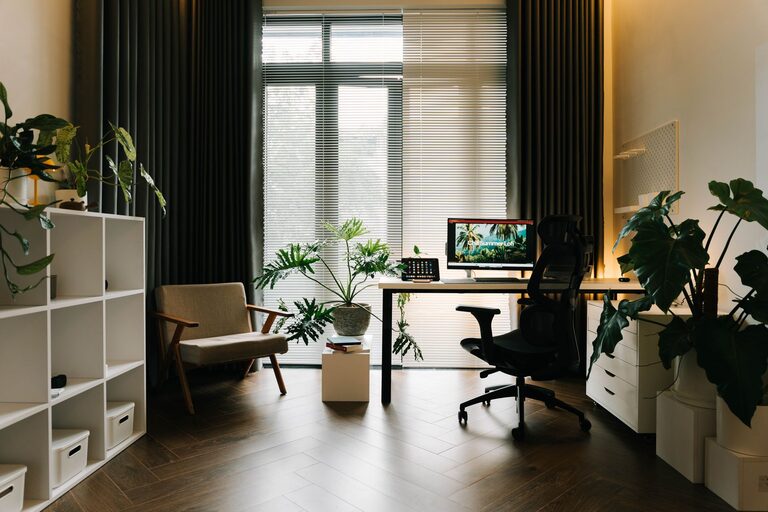
Natural lighting has been shown to improve mood and productivity. Try to place your desk near a window to take advantage of daylight. If natural light is limited, invest in good quality artificial lighting that mimics daylight to reduce eye strain.
2. Invest in Comfortable and Ergonomic Furniture
Working long hours requires a setup that supports your body and encourages good posture.
– Desk: Choose a desk at the right height so your arms can rest comfortably while typing. Adjustable desks are a great option if you like to alternate between sitting and standing.
– Chair: Invest in an ergonomic chair with proper lumbar support. Adjustable height and armrests help customize the fit.
– Accessories: A footrest, wrist supports, and an anti-glare screen protector can enhance comfort throughout the day.
3. Organize Your Workspace Efficiently
A cluttered space can lead to a cluttered mind. Keep your office neat and organized to maintain focus.
– Storage Solutions: Use shelves, drawers, and organizers to keep supplies accessible but out of sight.
– Cable Management: Use clips and ties to keep cables tidy and prevent tangling.
– Minimalist Approach: Keep only what you need on your desk. Less clutter means fewer distractions.
4. Optimize Lighting and Reduce Eye Strain
Good lighting reduces fatigue and enhances concentration.
– Use a combination of ambient and task lighting.
– Position your computer screen to avoid glare from windows or lamps.
– Consider blue light filters or glasses if you spend many hours in front of screens.
5. Incorporate Personal Touches
While keeping the space professional, adding some personal elements can make your office more inviting.
– Plants not only brighten the space but also improve air quality.
– Artwork or photos can create a positive atmosphere.
– Choose colors that make you feel calm and focused, such as soft blues or greens.
6. Manage Noise Levels
Noise can be a major distraction when working from home.
– Use noise-canceling headphones or white noise machines if background noise is unavoidable.
– Rugs and curtains help absorb sound, making the room quieter.
– Communicate with household members about your work schedule to minimize interruptions.
7. Set Boundaries and Create a Routine
A home office can blur the line between work and personal life. Establish clear boundaries:
– Use the workspace only for work-related activities.
– Set regular working hours and stick to a consistent schedule.
– Take breaks to stretch and move around.
8. Utilize Technology and Tools
Modern technology can boost productivity and ease your workflow.
– Reliable internet and backup solutions prevent disruptions.
– Use productivity apps to keep track of tasks and deadlines.
– Consider a second monitor for multitasking.
—
Setting up a comfortable and productive home office doesn’t have to be complicated or expensive. A focus on good location, ergonomics, organization, lighting, and a personalized touch makes a big difference in your workday. With a few thoughtful changes, your home office can become a place where you enjoy being productive and comfortable every day.